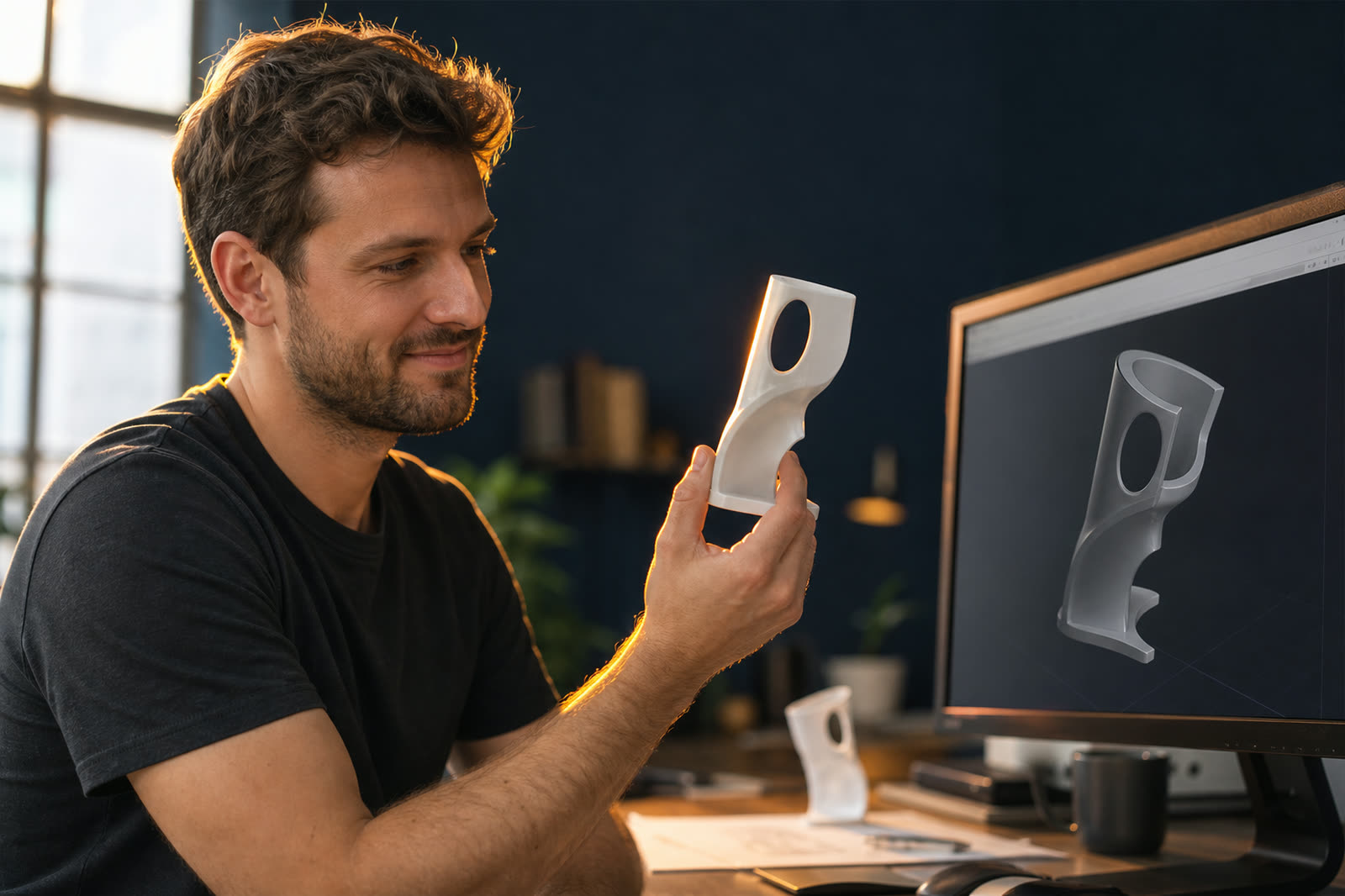
3D and rendering
Turn photographs into 3D models, add real surface texture, and render your existing Blender scenes without tying up your own machine.
What do you need to do?
Models for this work
All categoriesWhich one should I pick?
| Model | Best for | Quality | Speed | Price |
|---|---|---|---|---|
| TRELLIS | Getting a usable 3D object out of a photograph you already have | Very good | Fast | $0.45/hr |
| Hunyuan3D 2.0 | Finished 3D assets that will be seen close up | Excellent | Moderate | $0.89/hr |
| Blender Cycles | Rendering scenes you have already built, without tying up your own machine | Excellent | Fast | $0.69/hr |
Prices are the hourly rate for the hardware we recommend for each model, billed by the minute. Every model page has a calculator that turns that into a total for your job.
You will never get a surprise bill.
- A hard spend cap. New accounts start at $25. Nothing starts that would go past it.
- Auto-shutoff when idle. Sessions stop after 15 minutes, with a warning at 12.
- A live cost meter. Spent so far and budget left, on screen the whole time.
Renting opens shortly. Want to know when?
We are testing the rental flow with a small group before we open it to everyone. Leave an email and we will tell you the day it opens. One message, no newsletter.
Questions people ask
How good are 3D models made from a single photo?
Good enough for product viewers, games, previsualization, and 3D printing of decorative objects. The model invents the parts the camera could not see, so the back of an object is a plausible guess rather than a measurement. They are not accurate enough for engineering, manufacturing, or anything where a dimension has to be right. For that you need a real scan.
What file do I get back?
A standard mesh, usually GLB or OBJ with the texture included. It opens in Blender, Unity, Unreal, Cinema 4D, most 3D printing software, and the model viewers built into web browsers. There is no proprietary format and nothing that ties the file to us.
How much does it cost to render a Blender animation?
Around $2 to $5 for a typical 240 frame product animation. A 1080p interior frame at 512 samples takes roughly 45 seconds on an RTX 5090 at $0.69 per hour, so 240 frames is about 3 hours. The same job on a laptop is usually an overnight render. Use the calculator on the Blender page with your own frame count and sample settings.
Do I need to change my .blend file first?
One thing: pack your textures into the file before you upload, using File then External Data then Pack Resources. Without that, the render comes back with pink surfaces where the textures should be, because the linked files are on your machine and not ours. Everything else, including your render settings and add-on driven materials, carries across unchanged.
Can I use these models and renders commercially?
TRELLIS is MIT licensed, so its output is entirely yours. Blender is GPL, which covers the software rather than your renders, so your images are yours with no conditions. Hunyuan3D has a community license with some restrictions worth reading if you are shipping its output in a product. As always, the license is shown on each model page.
What happens if my scene is too big for the card?
It falls back to system memory and renders roughly ten times slower, which turns a cheap job into an expensive one. We check scene size before starting and move you to a larger card if it will not fit, showing you the price difference first. If you know your scene is heavy, pick the 48GB or 80GB option at the start rather than after.
Own a GPU that sits idle? Put it to work. The average provider earns $180 to $420 per month per card.
List your GPU